
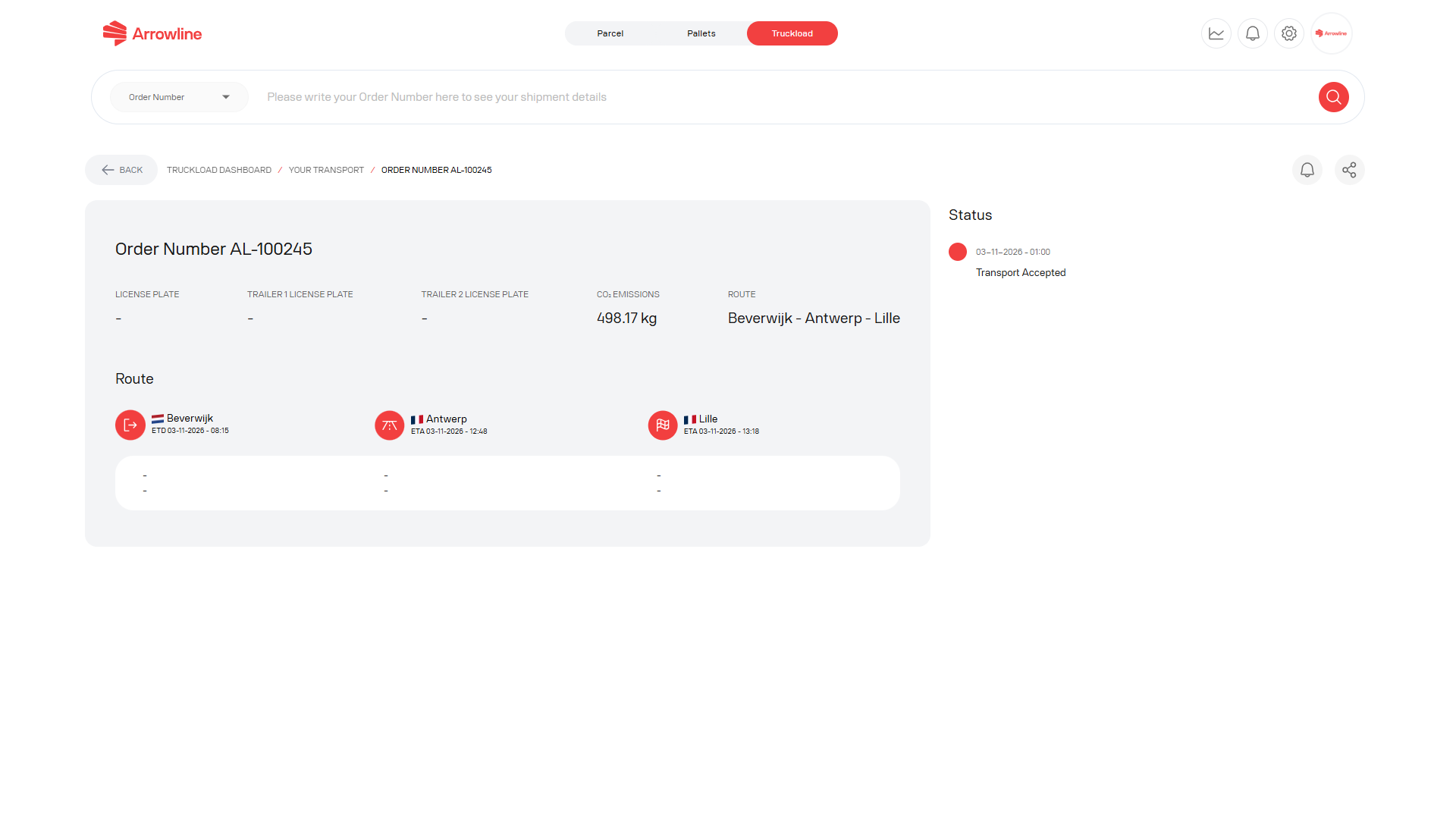
Open a transport from the Truckloads shipment list when you need more than the list row.
What to check
The detail page can include:
- Transport and order facts
- Origin, destination and stops
- Arrival and departure times
- Vehicle or carrier data when the portal shows it
- Latest status
- Status notifications for this transport
Use only the information the portal shows. If a vehicle, carrier or time field is empty, treat it as unavailable. Do not assume a value from another shipment.
Related Truckloads pages
| If you need | Open |
|---|---|
| The working list | Truckload shipments |
| Planned, In Transit or Arrived | Truckload statuses |
| A period result, not one transport | Truckload performance report |
| Help from Arrowline | Contact Support |