
Open the ticket list in the same workspace where you created the ticket, then select the ticket.
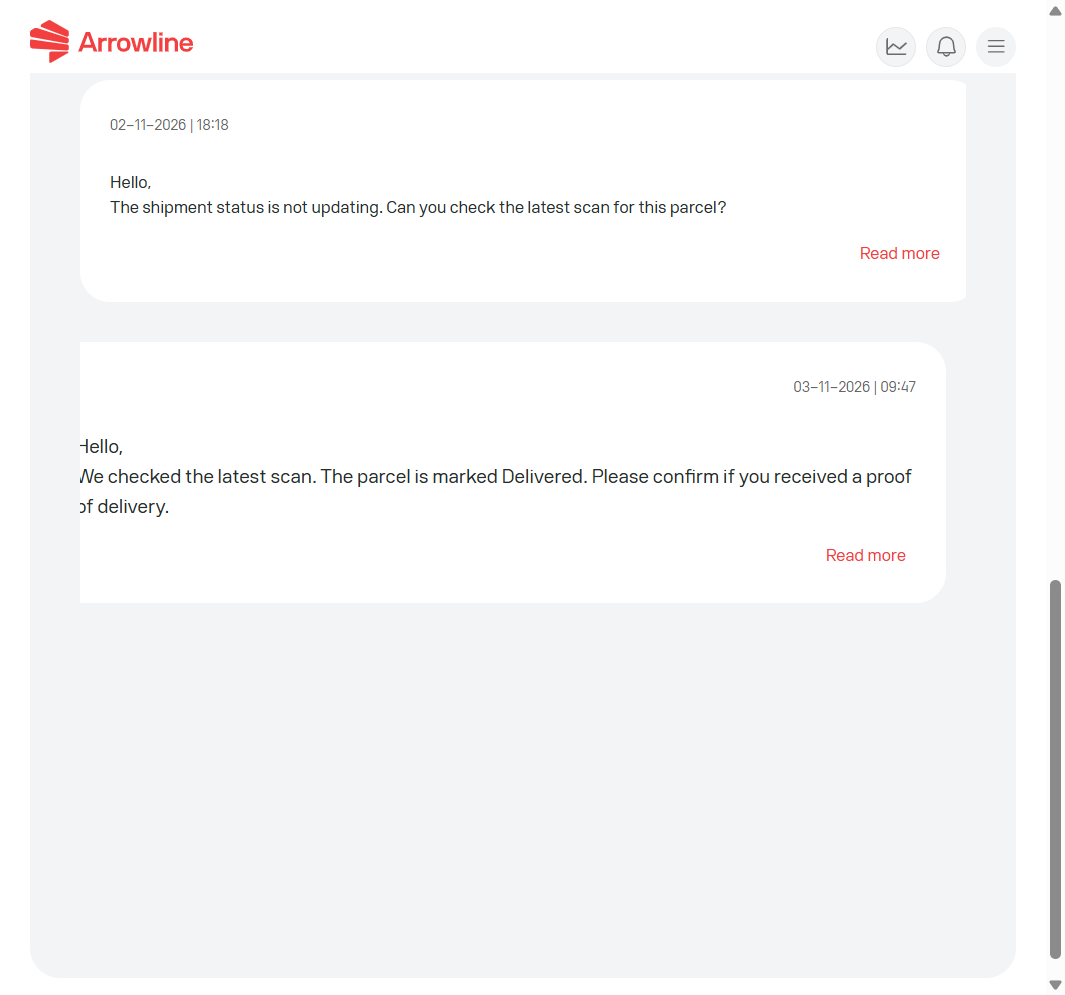
The conversation can show:
- Ticket history
- Comments
- Attachments
- The linked shipment, order or barcode when it is available
Reply in that conversation. Do not open a second ticket for the same barcodes.
See Parcel tickets or Pallet tickets.