
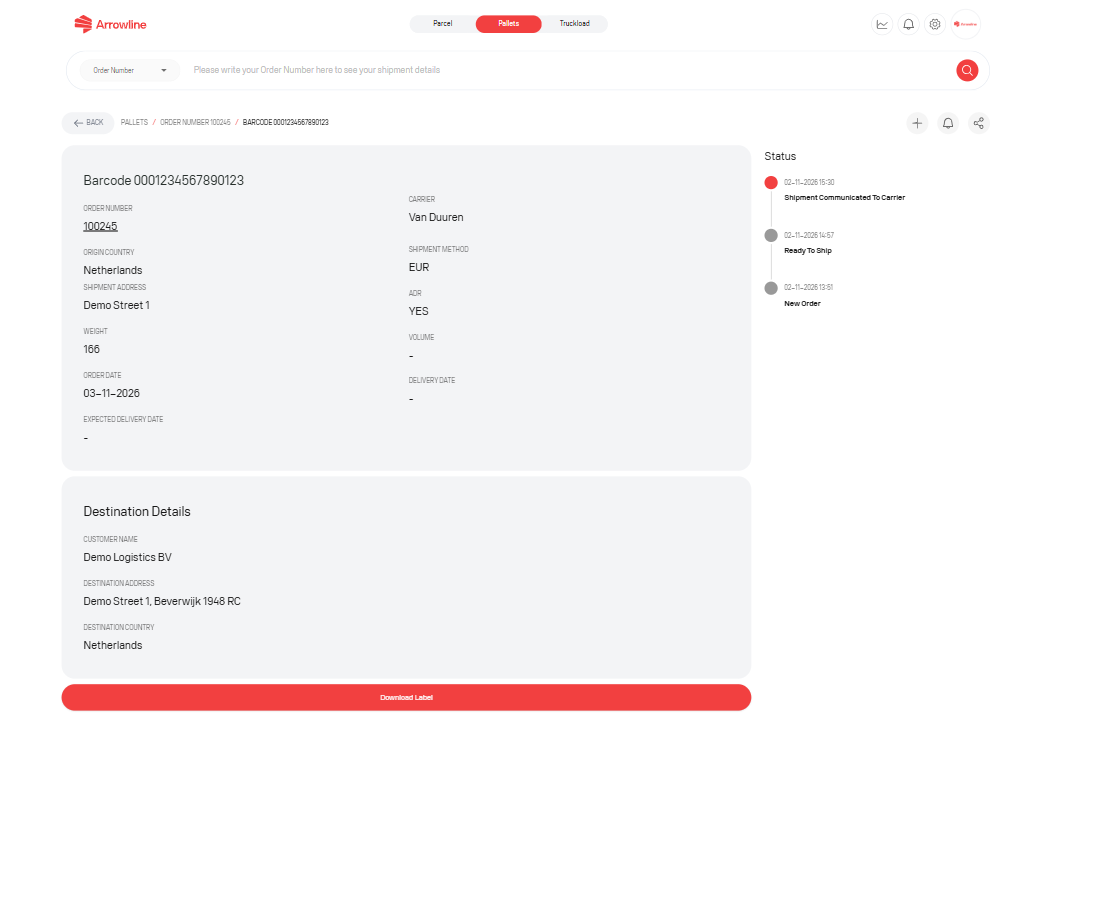
Pallet details is the signed-in view of one pallet barcode. Use it when the order page is not enough.
Open pallet details
- From the order page, select the barcode
- From the shipment list, open the matching barcode row
- From public tracking, if you only need progress and do not need signed-in actions
What Pallet details can show
- Barcode and related order
- Shipment facts for that pallet
- Status timeline for the barcode
- Expected delivery, when available
- Carrier and volume, when available
- Status notifications
- A linked pallet ticket, when one matches the order and barcode
- A shipping-label PDF
The timeline uses the status events stored for that barcode, ordered by date and time.
If the barcode is missing or out of scope, the portal treats it as not found. Include both the order number and the barcode when you contact Support.